
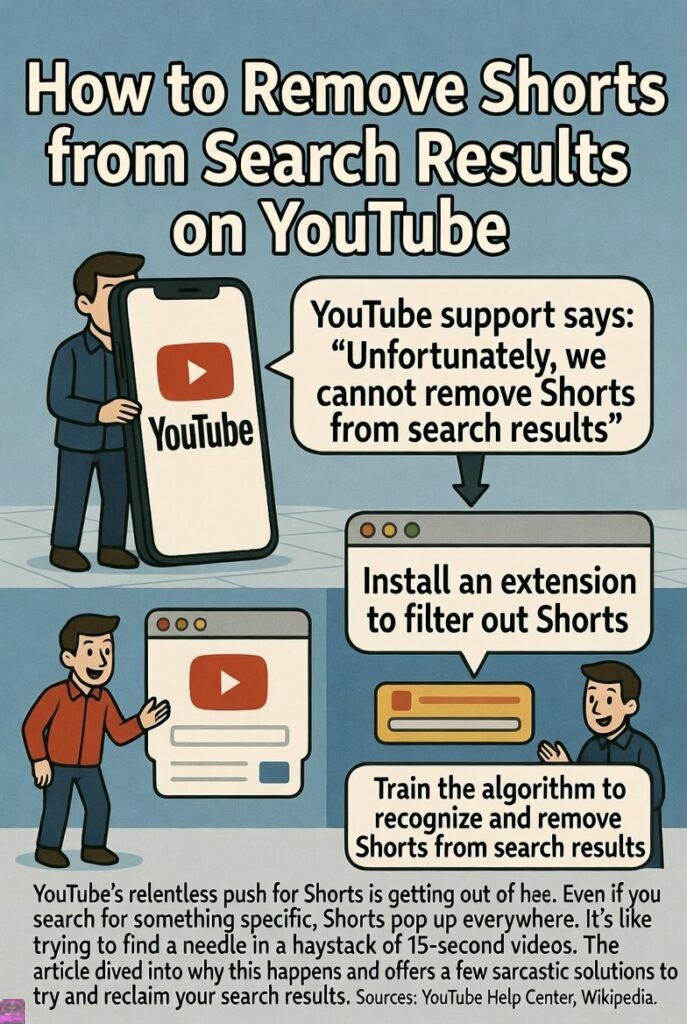
Oh, look at that—YouTube Shorts. The platform’s desperate attempt to clone TikTok because apparently 10-minute explainers on quantum physics just aren’t sexy enough anymore. You search for “how to fix a leaky faucet” and bam: a carousel of teenagers lip-syncing to migraine-inducing beats, some dude flexing in slow-mo, and a cat doing… whatever cats do in vertical format. It’s like YouTube took one look at your attention span and decided, “Nah, let’s make it worse.”
If you’re here, you’re probably one of the enlightened few who still values content longer than a microwave popcorn cycle. You want real videos—ones with actual information, editing, and dare I say, a beginning, middle, and end. Not this endless scroll of dopamine hits designed to keep you glued while your life flashes before your eyes in 60-second increments.
Good news: As of early 2026, YouTube finally caved to the masses (or at least to the people who aren’t 14 and terminally online) and added a way to yeet Shorts from your search results. Bad news: It’s not a global “fuck off forever” switch—because why make life easy?—but it’s better than nothing. And if you’re willing to get a little spicy with browser extensions or third-party hacks, you can go nuclear.
Buckle up, buttercup. We’re about to reclaim your search results from the vertical video overlords.
Step 1: The Official, Google-Approved Way (Because They Finally Listened… Sort Of)
In January 2026, YouTube dropped a bombshell announcement in their support forum that basically translated to: “Fine, we heard you whining about Shorts clogging searches. Here’s a filter. Happy now?”
Here’s how to use it:
- Open YouTube (app or browser, doesn’t matter—though desktop feels less insulting).
- Type your query into the search bar. Something intellectual like “best philosophy lectures” or practical like “how to change a tire without crying.”
- Hit enter. Watch the inevitable Shorts tsunami flood your screen—because why show useful content first when you can prioritize viral garbage?
- Look just below the search bar for the Filters button (it might say “Filter” or show a little funnel icon—YouTube loves hiding shit).
- Tap/click Filters.
- Scroll to the Type section (they renamed some stuff, but it’s there).
- Select Videos (this now excludes Shorts and shows only long-form content). If you see a direct Shorts toggle, choose to exclude it or pick the option that says “Videos” or “VODs” (video on demand, aka real videos).
- Hit Apply (or just close the menu—it’s usually automatic).
Poof. The Shorts carousel vanishes like that one friend who borrows money and ghosts. You’re left with glorious horizontal videos that actually respect your time.
Pro tip: This isn’t permanent. You have to do it every single search because Google apparently thinks you’re too stupid to set a default preference. It’s like they designed it to piss you off just enough that you keep coming back to complain.
Bonus sarcasm: They also killed “Upload Date – Last Hour” and “Sort by Rating” because those “contributed to user complaints.” Translation: People were using them too effectively, so bye-bye. But hey, new “Popularity” filter! Because what you really need is more algorithm-approved slop.
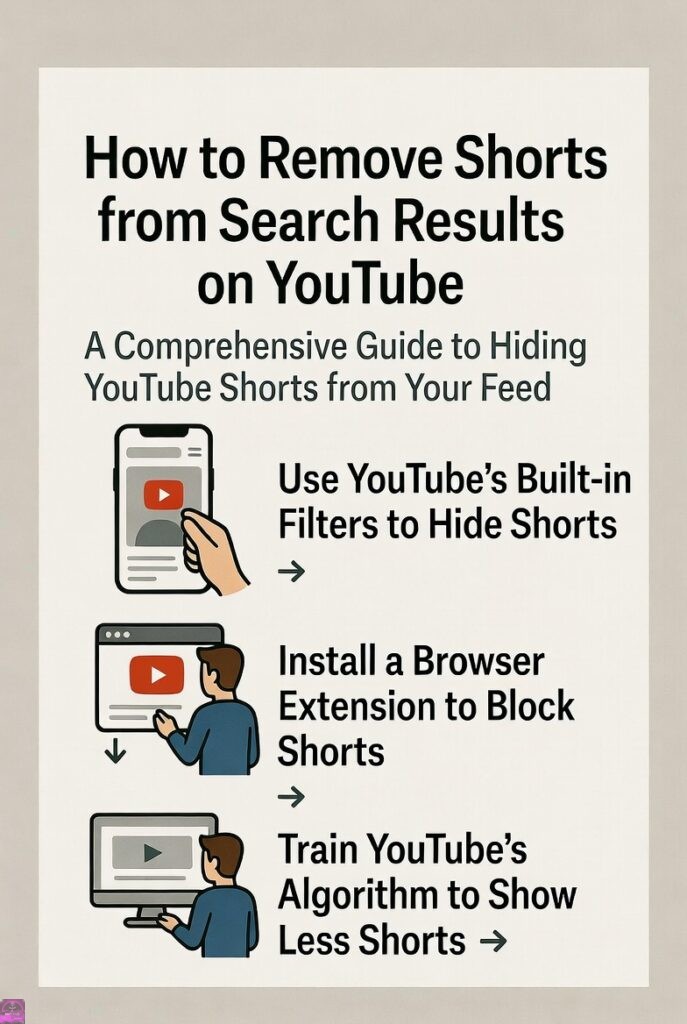
Step 2: Train the Algorithm Like the Lazy Pet It Is (The “Not Interested” Gauntlet)
If filters feel too temporary (they are), bully YouTube into submission the old-fashioned way:
- When a Shorts grid appears in search, home, or recommendations, tap the three dots on the whole section → “Show fewer Shorts.”
- For individual Shorts videos: Three dots → “Not interested.”
- Do this obsessively. Like, 20-30 times across different channels and topics so the algorithm gets the hint: “This human hates vertical trash. Stop.”
Eventually, Shorts fade like a bad Tinder date. It’s passive-aggressive revenge, and it’s beautiful.
Downside: It takes time, and YouTube might test your patience by showing more Shorts just to see if you’ll crack. Don’t crack.
Step 3: Go Full Rebel – Browser Extensions & Third-Party Shenanigans
For the desktop warriors who refuse to play nice:
- Install extensions like Remove YouTube Shorts (Chrome/Firefox store). This bad boy nukes Shorts from search, feed, recommendations, sidebar—everywhere. It’s like giving YouTube the middle finger with CSS.
- Alternatives: YouTube Search Fixer, BlockTube, or Superpower YouTube. Some even redirect Shorts links to the classic player so you don’t accidentally click one and get sucked into the void.
- On mobile? Use Kiwi Browser (Android) with desktop extensions, or sideload modified apps like ReVanced (formerly Vanced—yes, it’s still alive in spirit). These let you hide the Shorts tab entirely and filter searches permanently.
Warning: Third-party stuff skirts TOS. Google might smite your account one day, but honestly, if they’re forcing Shorts down your throat, maybe it’s worth the risk.
Why This Matters (The Salty Truth)
YouTube launched Shorts in 2020 as a TikTok killer, and by 2025-2026, it’s bloated the platform like a bad facelift. Creators pump out low-effort clips for views, the algorithm shoves them everywhere, and genuine long-form content gets buried under a pile of dancing teenagers and “life hacks” that are just repackaged common sense.
If you’re searching for tutorials, reviews, deep dives, or anything requiring more than three brain cells, Shorts are the enemy. They prioritize virality over value, quantity over quality, and addiction over education.
So yeah, use the filter. Spam “Not interested.” Install the blocker. Whatever it takes.
Because life’s too short for YouTube Shorts. Ironically.
